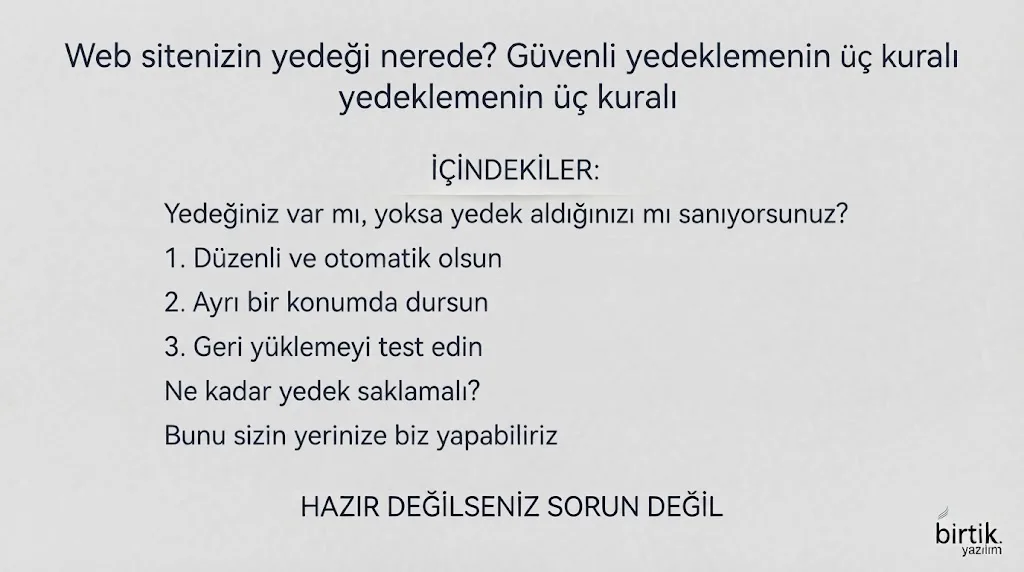
Do you have a backup, or do you just think you do?
Many businesses say "our hosting takes backups". But where is that backup stored, how far back does it go, and have you ever tried restoring it? Nobody knows the answers until something goes wrong.
1. Make it regular and automatic
A manual backup gets forgotten. A backup should be taken every night without anyone remembering. The frequency depends on how much data you can afford to lose: once a day is enough for most corporate sites, a store taking orders may need it more often.
2. Keep it in a separate place
If the backup sits on the same server or the same hosting account as the site, a server failure, an account suspension or an attack takes both. At least one copy should live elsewhere, with different access.
3. Test the restore
A backup that has never been opened is hope, not a backup. From time to time open it in a separate environment and check that the site works. Both files and database should be included.
How many backups should you keep?
Keeping only the latest backup is not enough: by the time a problem is noticed, corrupted data may already have been written into it. Keeping the last few and deleting older ones automatically balances safety and storage.
We can do this for you
We can set up nightly backups, off-site copies, uptime and SSL monitoring for your sites and alert you when something goes wrong. Have a look at our hosting and maintenance service.